

About Arrow Puzzle - Tap Away
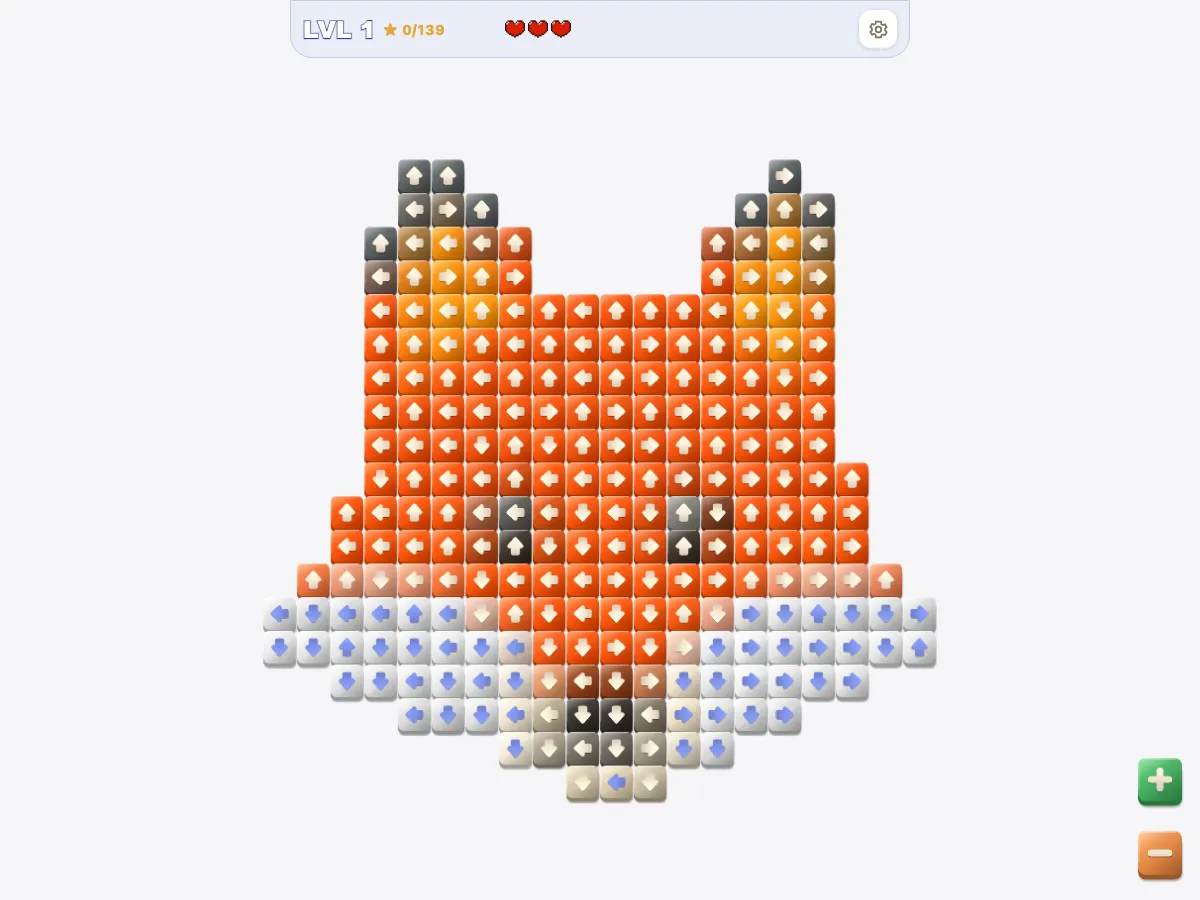
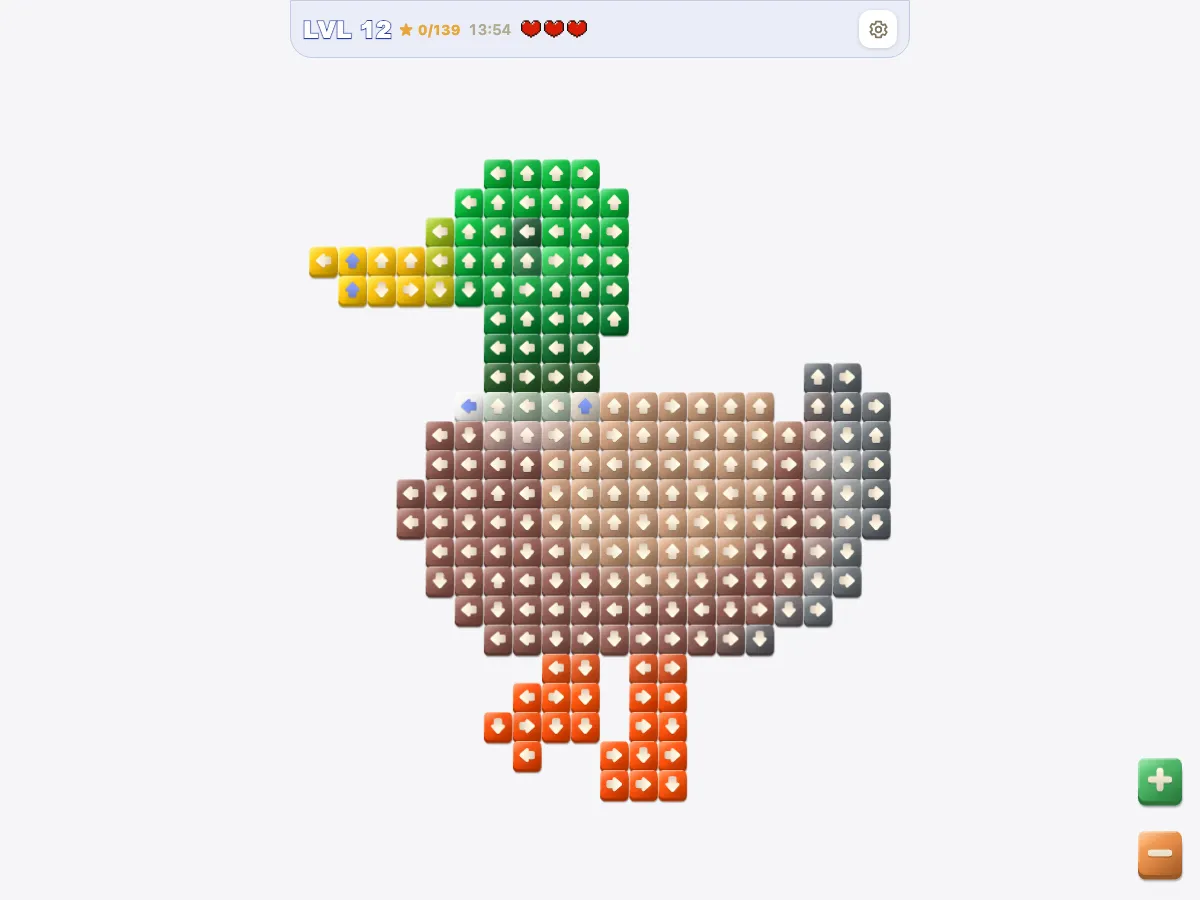
Arrow Puzzle - Tap Away is the arrow rule shrunk to single tiles. I wrote it myself, and it belongs to the tap-away genre of arrow puzzles, where a level is cleared by tapping every arrow off the board. Every level is a pixel picture, a fox, a watermelon, a duck, and every pixel is an arrow that slides out along its row or column when nothing is in its way. With no long bodies to trace, the work is reading straight lines across a picture full of gaps.
It is also the strictest of the grid games here: three hearts per picture, and every blocked tap costs one, even a repeat tap on the same tile. There are 139 pictures in 15 themed worlds, from 170 to 284 tiles each, and every finished one goes into a gallery. Like the other games on the site, it is free and needs no download.
Arrow Puzzle - Tap Away screenshots
How Arrow Puzzle - Tap Away works
Each tile is one arrow. Tap it and it slides away along its row or column in the direction it points, provided every cell between it and the edge of the grid is empty. Cells outside the picture count as empty, so a tile can leave across a gap, but any tile beyond that gap still stops it.
You have three hearts per picture, and every blocked tap takes one. When a tap is blocked, the tiles in the way shake one after another, nearest first: those are the tiles that have to go before it. With a mouse, hovering a tile whose lane is clear shows moving chevrons past it, a check you do not get on a touch screen. From level 2 there is a countdown of four seconds per tile.
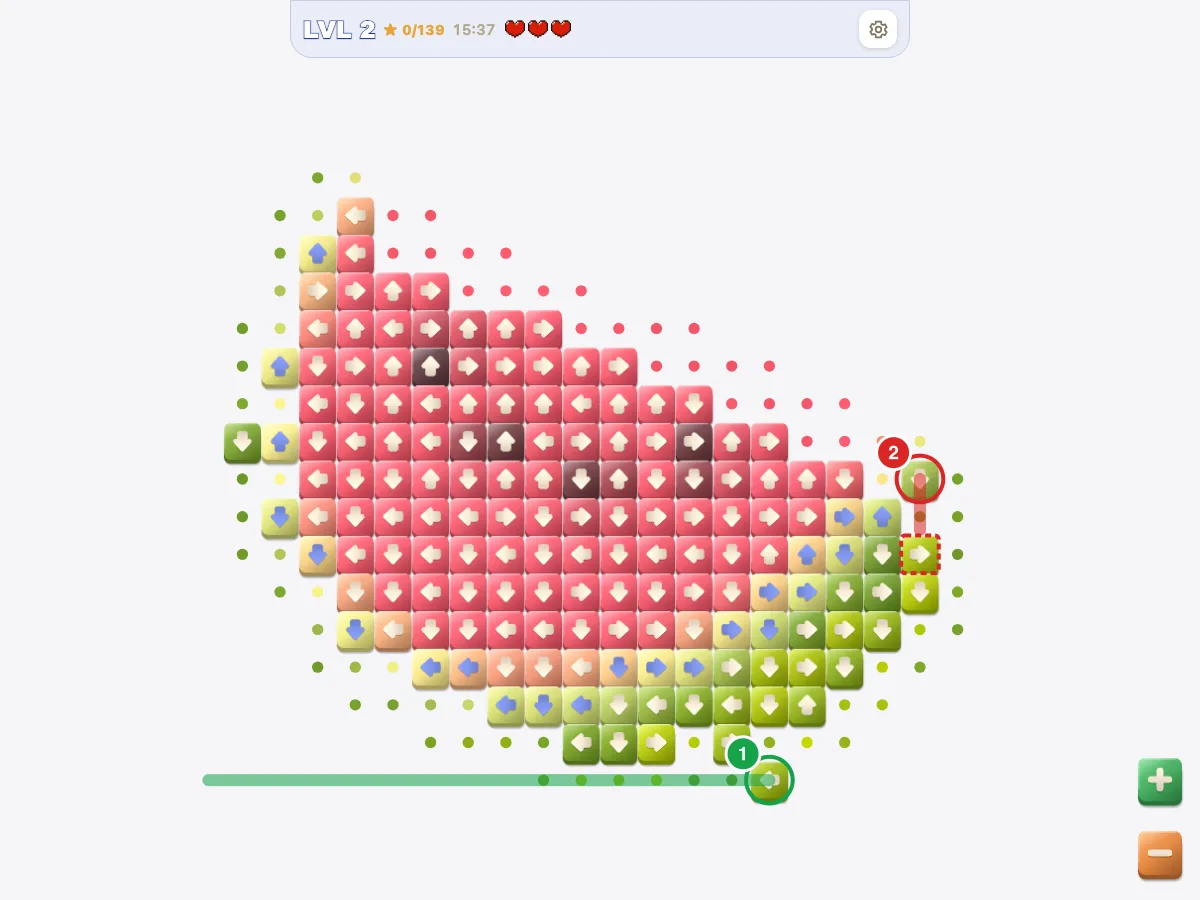
How Arrow Puzzle - Tap Away gets harder
| Levels | Picture grid | Tiles | Free at start | Clock |
|---|---|---|---|---|
| 1–10 | 16–20 × 16–22 | 200–240 | 43–53 | none on level 1, then 13:20–15:40 |
| 11–40 | 16–20 × 13–24 | 170–275 | 38–55 | 11:20–18:20 |
| 41–80 | 16–20 × 13–27 | 174–243 | 38–62 | 11:40–16:15 |
| 81–120 | 16–20 × 14–24 | 181–243 | 37–59 | 12:05–16:15 |
| 121–139 | 16–20 × 14–24 | 192–284 | 39–56 | 12:50–19:00 |
- Level 1: Fox, 240 tiles, the only picture without a clock.
- Level 2: Countdown from here on: 15:40 for Watermelon's 235 tiles.
- Level 35: Feather, the smallest picture at 170 tiles (11:20).
- Level 36: Canned Food, 275 tiles in 33 waves, the slowest to unwind.
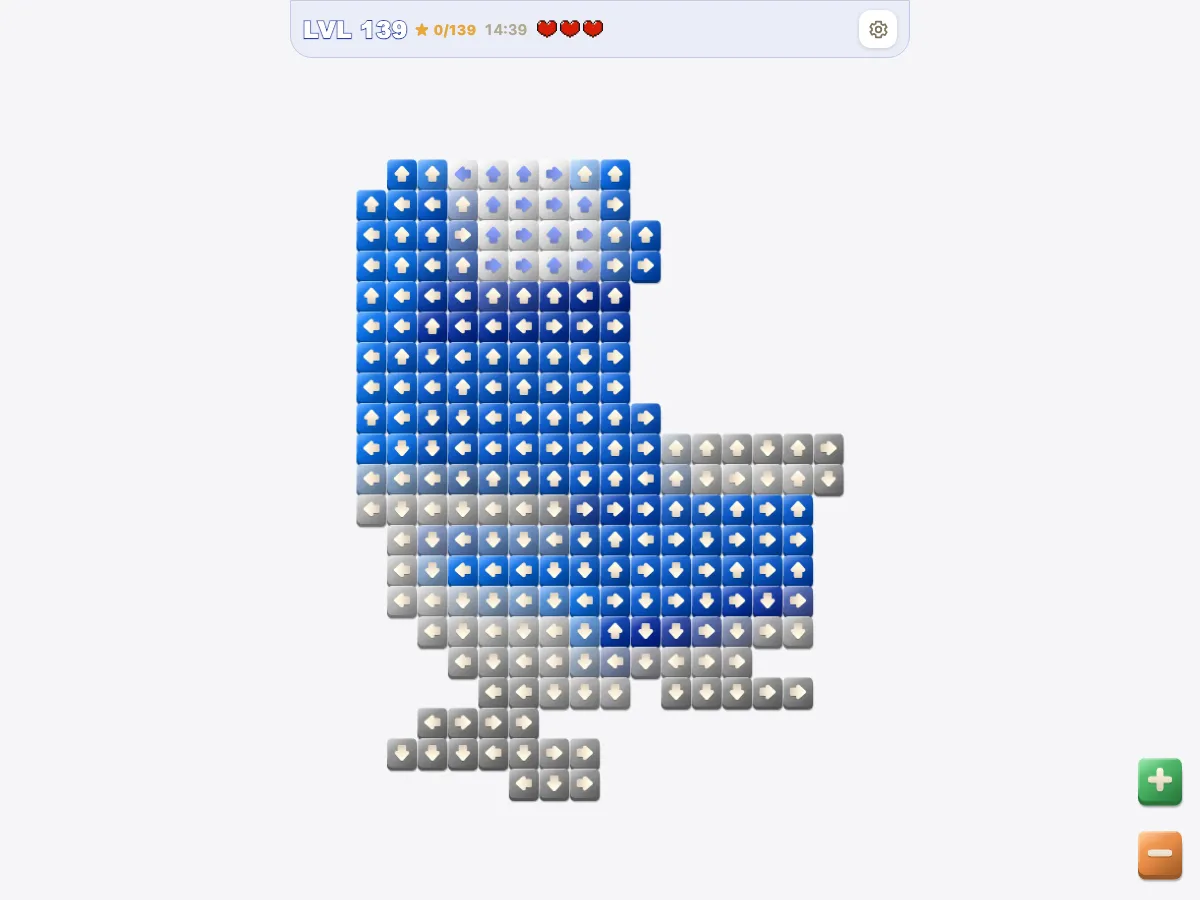
- Level 139: Seat, the last picture. After it you can start again from level 1 with the gallery kept.
Arrow Puzzle - Tap Away strategy
- Look past the outline, not just at the border. In level 1, only 6 of the 50 tiles that are free at the start sit on the outer edge of the grid; the other 44 leave across empty cells around the fox.
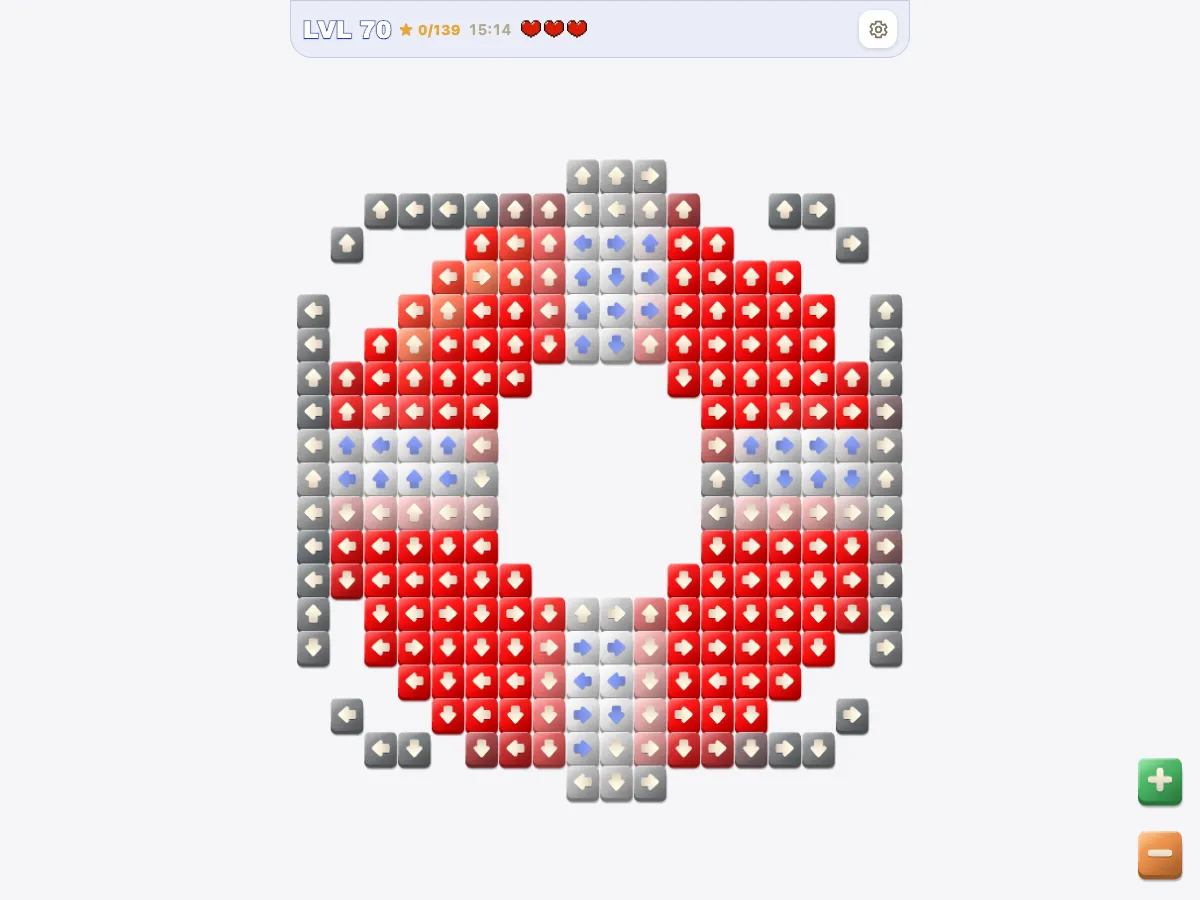
- A hole in the middle of a picture is not a way out. In level 70, a tile pointing into the ring buoy's empty centre is stopped by the far side of the ring until that side has been cleared.
- Let a blocked tap teach you something, since it costs a heart anyway. Level 36 starts with 48 free tiles out of 275 and needs 33 waves; on a board that deep, the shaking tiles tell you which one to clear next.
- The clock is rarely what ends a run here. Even level 35, the smallest picture, gives 11:20 for 170 tiles, while three blocked taps are enough to stop you.
Arrow Puzzle - Tap Away version history
- — Arrow Puzzle - Tap Away, with its 139 pictures, joined the site.
- — Direct visits to the game file are now sent to this page.
- — A ?level=N link now opens the game at that picture.
Arrow Puzzle - Tap Away FAQ
- What happens when all three hearts are gone?
- A card offers to refill all three hearts and keep the board, the clock and your streak, up to ten times a day. Otherwise you restart the picture from the beginning.
- Can I go back to a finished picture?
- Finished pictures stay in their world's gallery, where you can open them full size. Levels are played in order, and after the last one you can start over from level 1 without losing the gallery.
- Why are some arrows blue and others cream?
- The arrow is drawn in whichever of the two shows up better against the tile's colour. It has no effect on the rules.
Arrow Puzzle - Tap Away details
- Developer
- Jing
- Added
- Levels
- 139 pictures
- Controls
- Tap or click a tile; zoom from 1× to 3×; on a computer, hover to see if a tile can leave


